Getting around
Presets and your own presets
Every product starts from a gallery of ready designs; save your own settings as presets too.
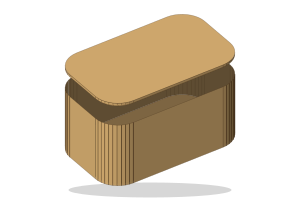
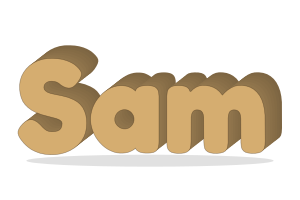
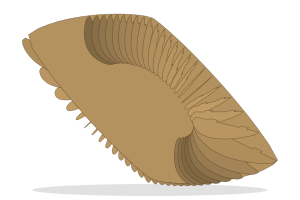
The start gallery shows a dozen or more presets for each product. Their pictures are drawn from the real geometry, so what you see is what the preset cuts.
Save your own
- File → Save as my preset… stores the current settings under a name.
- Your presets appear in the gallery beside the built-in ones. Signed in, they follow your account; otherwise they stay on this device.
- The Hinge Box rail also has hinge styles (Standard, Fine, Flexible and more): ready-made hinge settings you can apply to any box.