Getting around
Make your first cut
Pick a product and a preset, adjust it, check it and export an SVG for your laser.
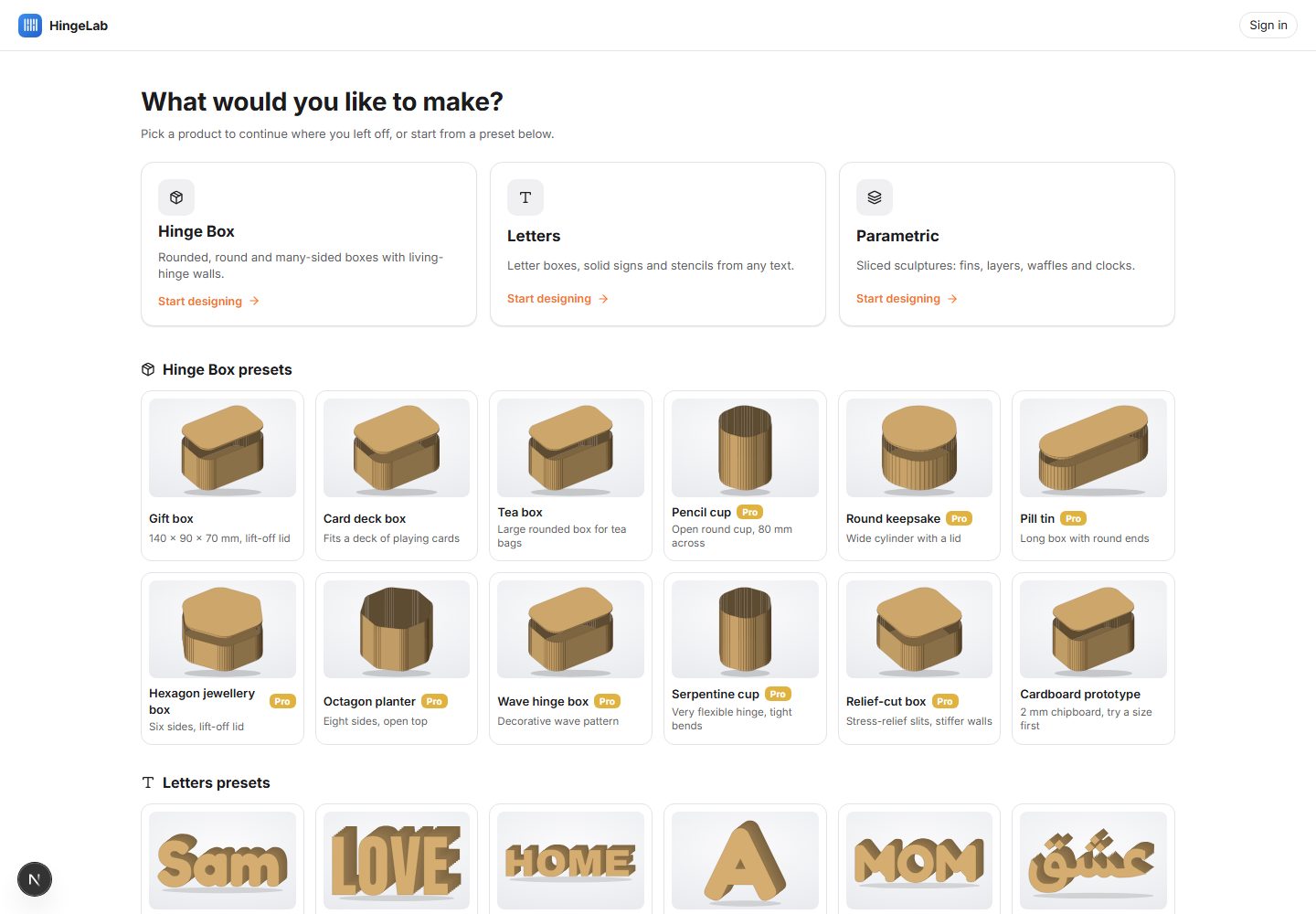
- Open the app and pick a product: Hinge Box (a box whose walls bend round the corners), Letters (boxes, signs and stencils from text) or Parametric (a 3D model sliced into flat parts).
- Pick a preset from the gallery. Every preset is a finished design, so you can export it straight away or use it as a starting point.
- Set your material first: its thickness and kerf decide every slot and hinge. Then change the size and options in the panels on the right.
- Read the checks under Analysis. Anything that will not cut well is listed with buttons that fix it; Auto-fix all applies the safe ones.
- Export the SVG and open it in your laser software (LightBurn, xTool Creative Space, Glowforge, RDWorks, LaserGRBL or Inkscape).
- Cut a small test first, such as a bend test strip, before you cut the whole design in good material.
Where things are
- Left: the big choices as picture cards (shape, lid, pattern, mode or method), with Undo and Redo on top.
- Middle: the sheet view or the 3D view, with zoom and fit tools at the bottom.
- Right: the settings, in sections you can fold. Each section has a ? that opens its help, and a reset icon.
- Bottom: the status bar shows the cursor position, the zoom and whether the parts fit the sheet.